sholo · for live production and AV crews
The current plan is whichever copy has the marks on it.
Put the marks somewhere the whole crew is already looking.
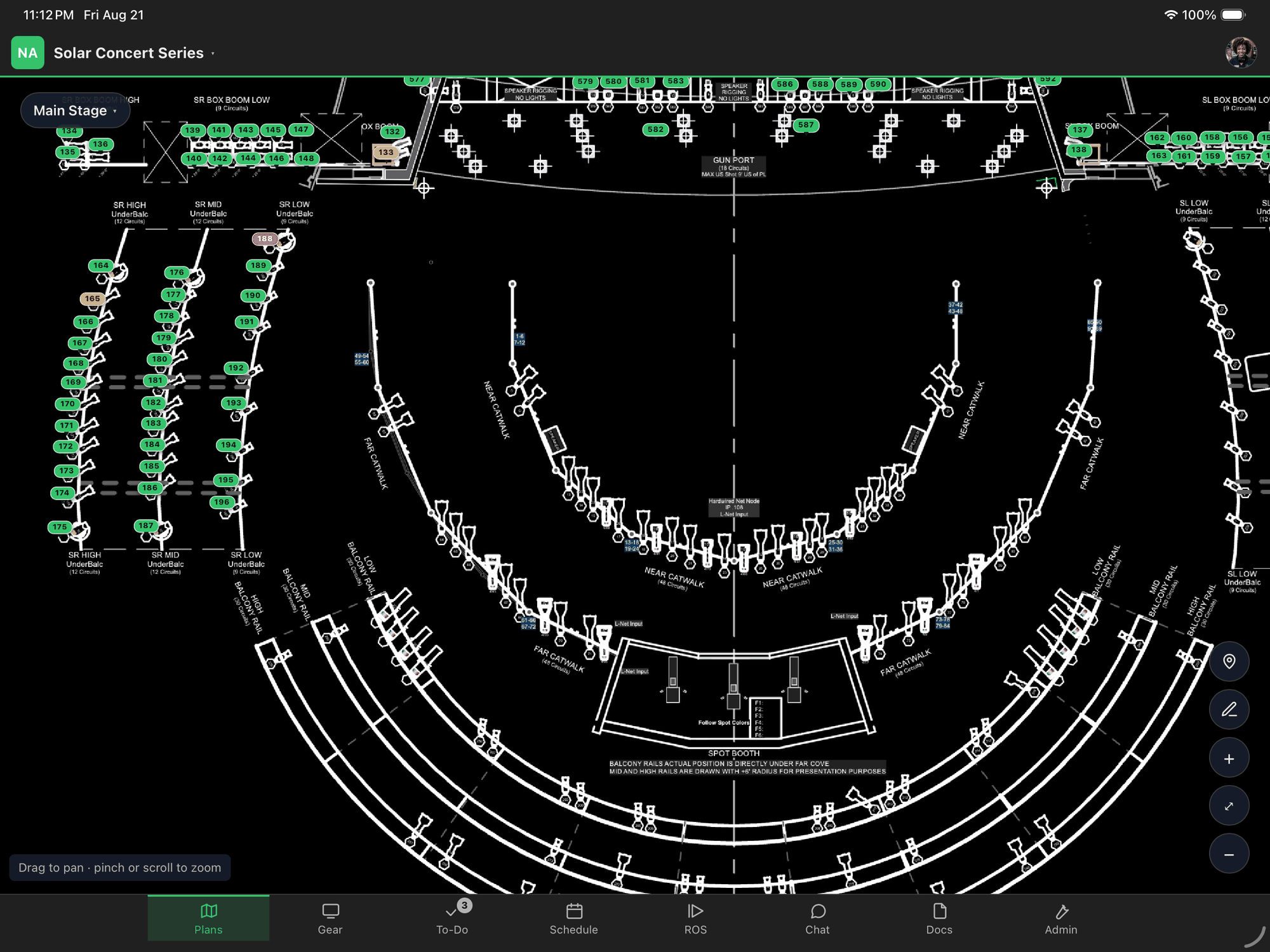
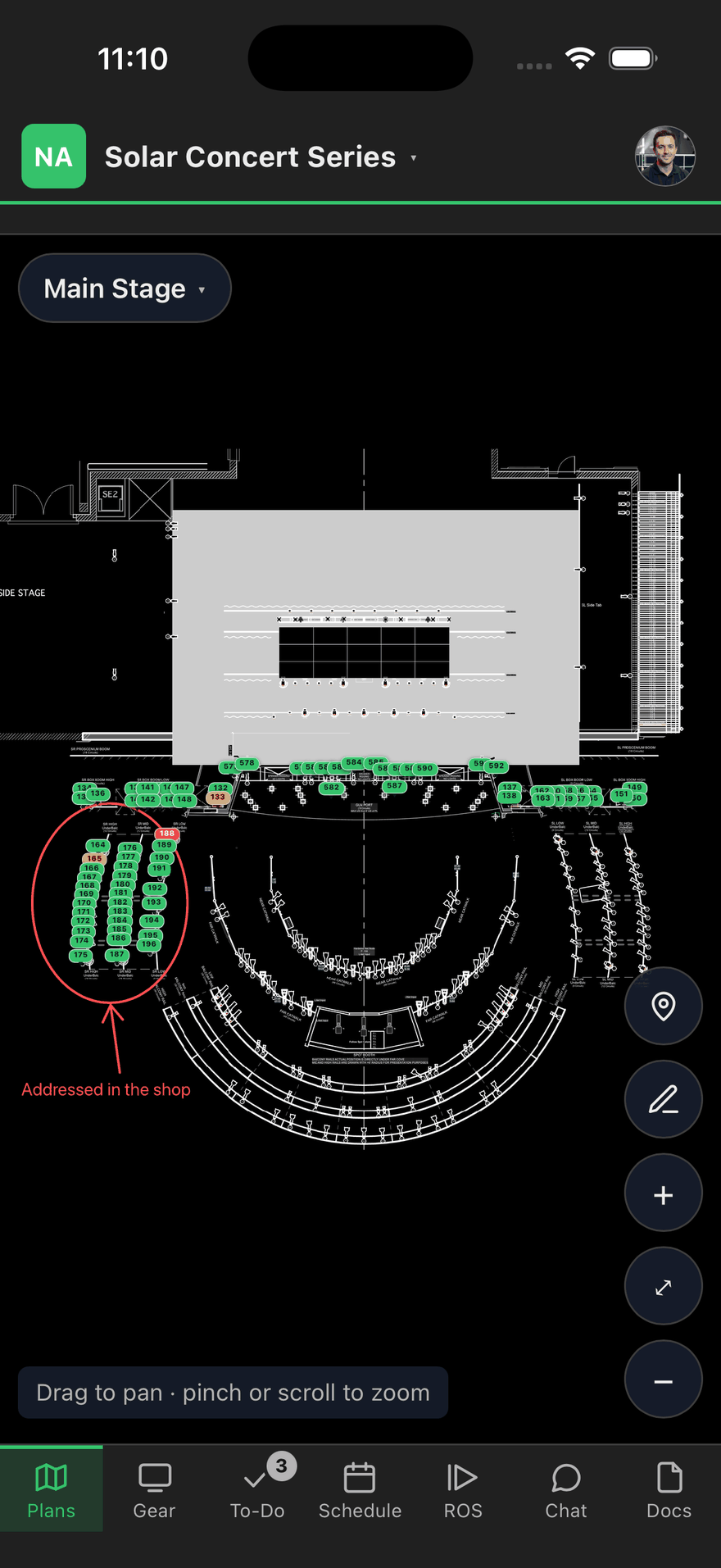
The same picture on every screen — and it’s the current one.
What actually happens to a printed plan
The drawing arrives as a PDF from the venue or the scenic house. It gets printed at load-in — sometimes several times, at several sizes — and areas get circled in highlighter so a tech knows which booths are theirs. Then a room changes, and one person’s copy gets updated.
By show day there can be a dozen versions on site. None of them is labeled. The one in somebody’s back pocket looks exactly as authoritative as the one taped to the production table, and the only way to find out which is right is to ask somebody who might be wrong.
Reprinting does not fix it, because reprinting is what created it.
Drop in the PDF, get a plan per page
Upload the CAD export and each page becomes a sheet the crew opens on their own phone or iPad. Pinch to zoom, drag to pan, and the type stays readable at the zoom level where you can actually see a booth number — which is the thing a photo of a printout never does.
Multi-page drawings stay multi-page. One sheet can cover several departments, and the sheet says which.
Pins say what is at that spot
Drop a pin where a screen, player or speaker goes. Tap it and you get what is there: the model, the circuit, the power draw, who owns it, and whether it is up yet.
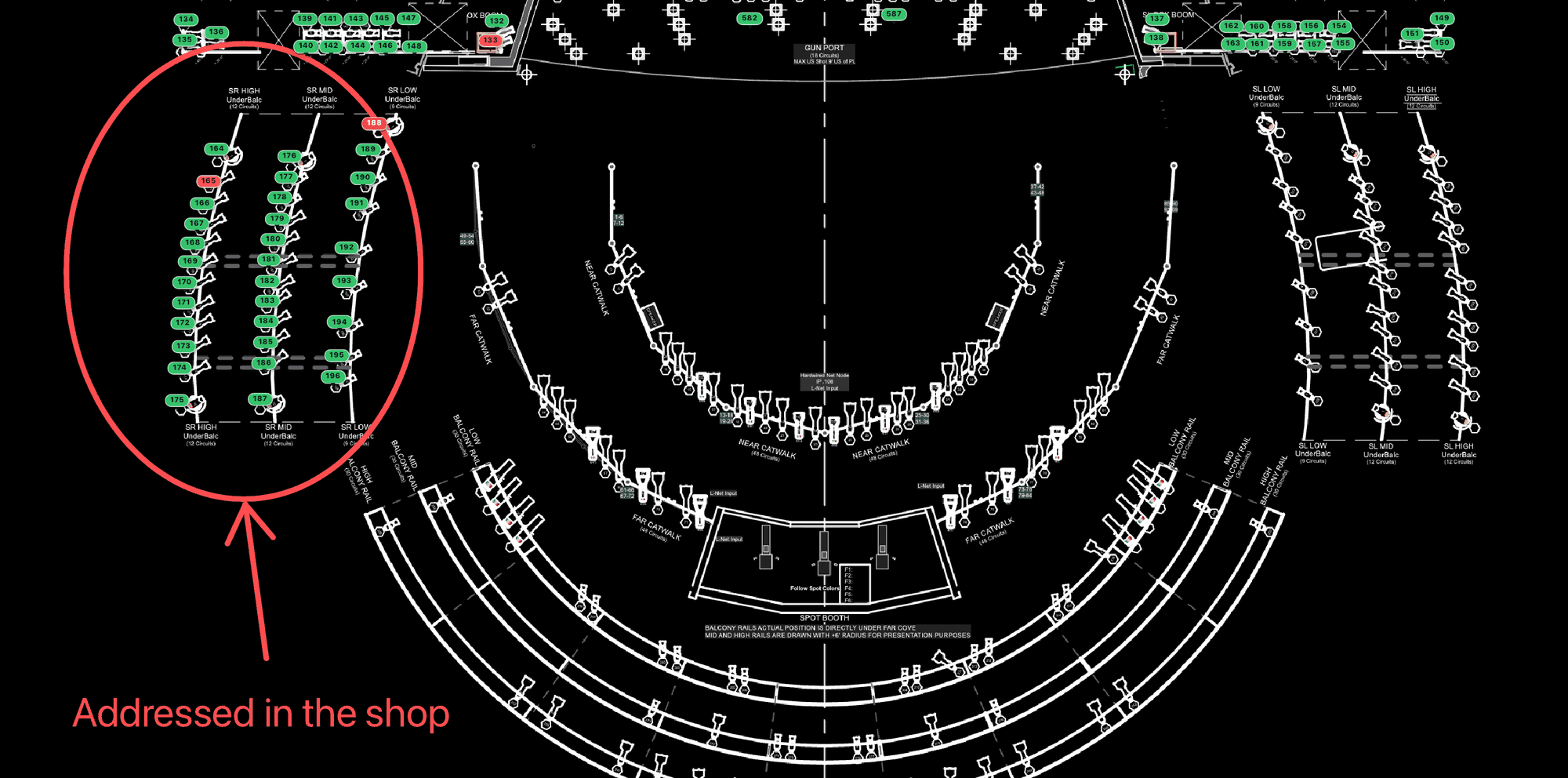
Pin color says whose problem something is, not how far along it is. Red means something is missing or still being made, and nobody on site can fix it by walking over — that is a producer’s queue. Amber means everything is on hand and the crew can act. Green means nothing is outstanding. One map, read two ways, and neither person sorting through the other’s work to find their own.
Two of the same projector in two places are two pins, not one pin that keeps overwriting itself. That distinction sounds small until you have moved one of them.
Everyone’s marks, one copy
Draw an arrow, a box, a circle or a line. Type a note on the plan itself — “cable path, do not block” — where the thing it refers to is, rather than in a message somebody has to match up to a place.
The marks go on the shared copy. There is no version to reconcile, because there is one, and the person who joins the crew on day three opens it and sees what everybody else has been looking at.
A dead spot doesn’t stop the day
A loading dock with no bars, the far end of a venue before the wifi is commissioned, the back corridor between two rooms. A plan you have already opened stays readable in all of them, and marks and status changes are saved and sent when the signal returns.
A printed plan cannot be taken back
This is the part nobody in the trade has been able to solve. A local hand hired for the day walks out at 6pm with a drawing that has your client’s room numbers, their layout and their vendor names on it, and there is nothing you can do about it afterward.
Access here ends. When the show wraps, when a freelancer finishes, when somebody leaves — you end it, and the plan goes with it. Someone brought on for one show sees that show: not your client list, not your other shows, not the company’s messages.
The plan is where the rest of it hangs
A to-do can point at a spot on the plan, so “fix A29” means something you can walk to. Same show, same people, same access.
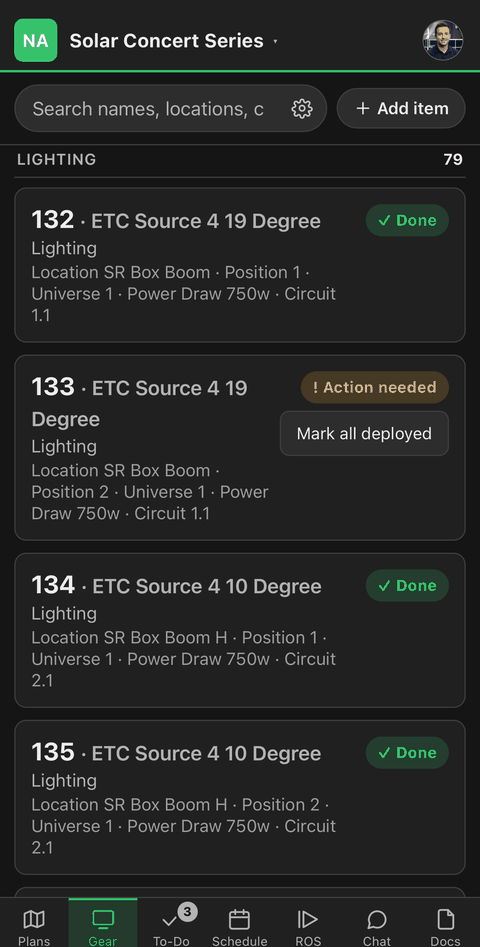
The gear
The count is the status meeting
Every screen, player and speaker on the show, with its circuit, its owner and whether it’s up.
The show
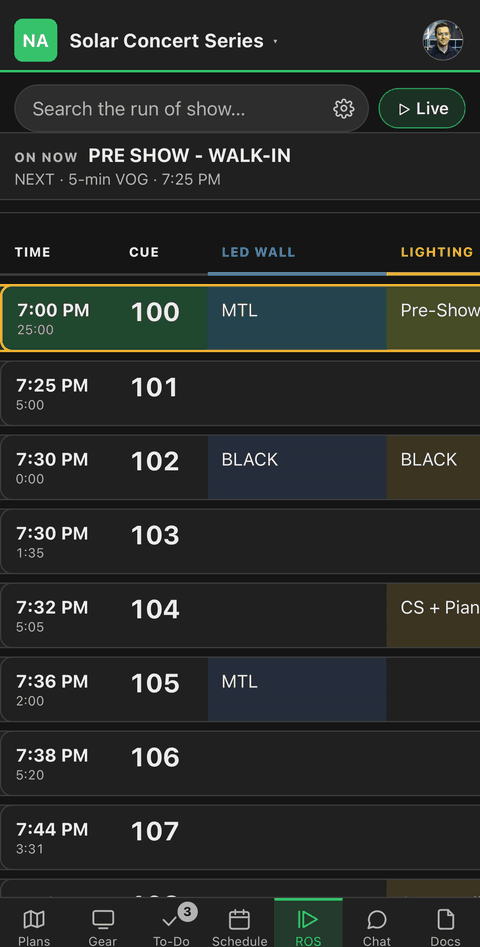
One run of show, not seventeen
A column per department, times that recalculate, and the called cue at the top of every screen.
The crew
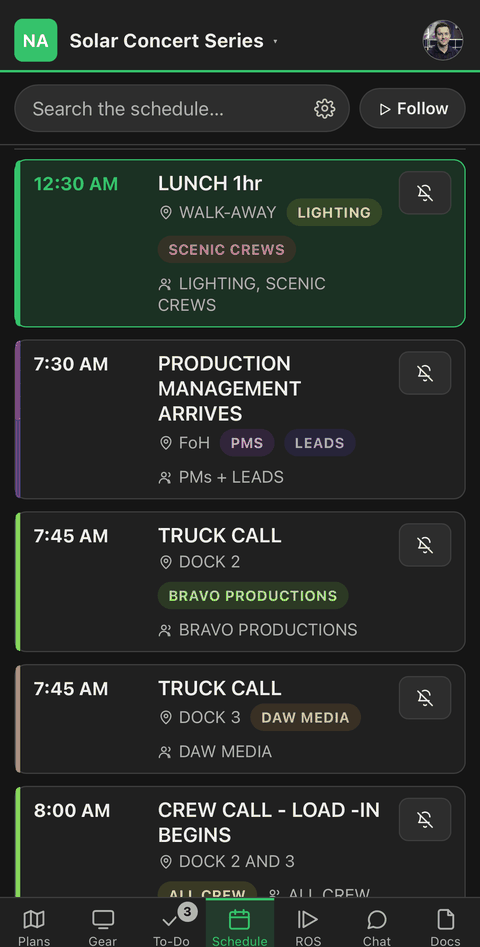
Your calls, not everybody’s
Load-in to load-out, filtered to the person holding the phone.